

How to find nearby places
Open Portmate Chat and ask for the kind of place you need near a specific address, terminal, or landmark. Add the detail that matters most, such as room for a semi or a kitchen open before 6 a.m. Select a linked place in the reply to see its listing in Google Maps.
To follow the walkthrough, ask Where can my driver park a semi near Bayport while waiting for an appointment? For your own search, replace Bayport with the place where you or your driver will actually be. A dispatcher in another city can search just as precisely by giving the delivery address.
Find truck parking near Bayport in Chat
In this example, a driver will arrive early for an appointment at Bayport Container Terminal in Texas. Dispatch needs an off-site place where the driver can wait with the truck.
Open portmate.ai in your browser.
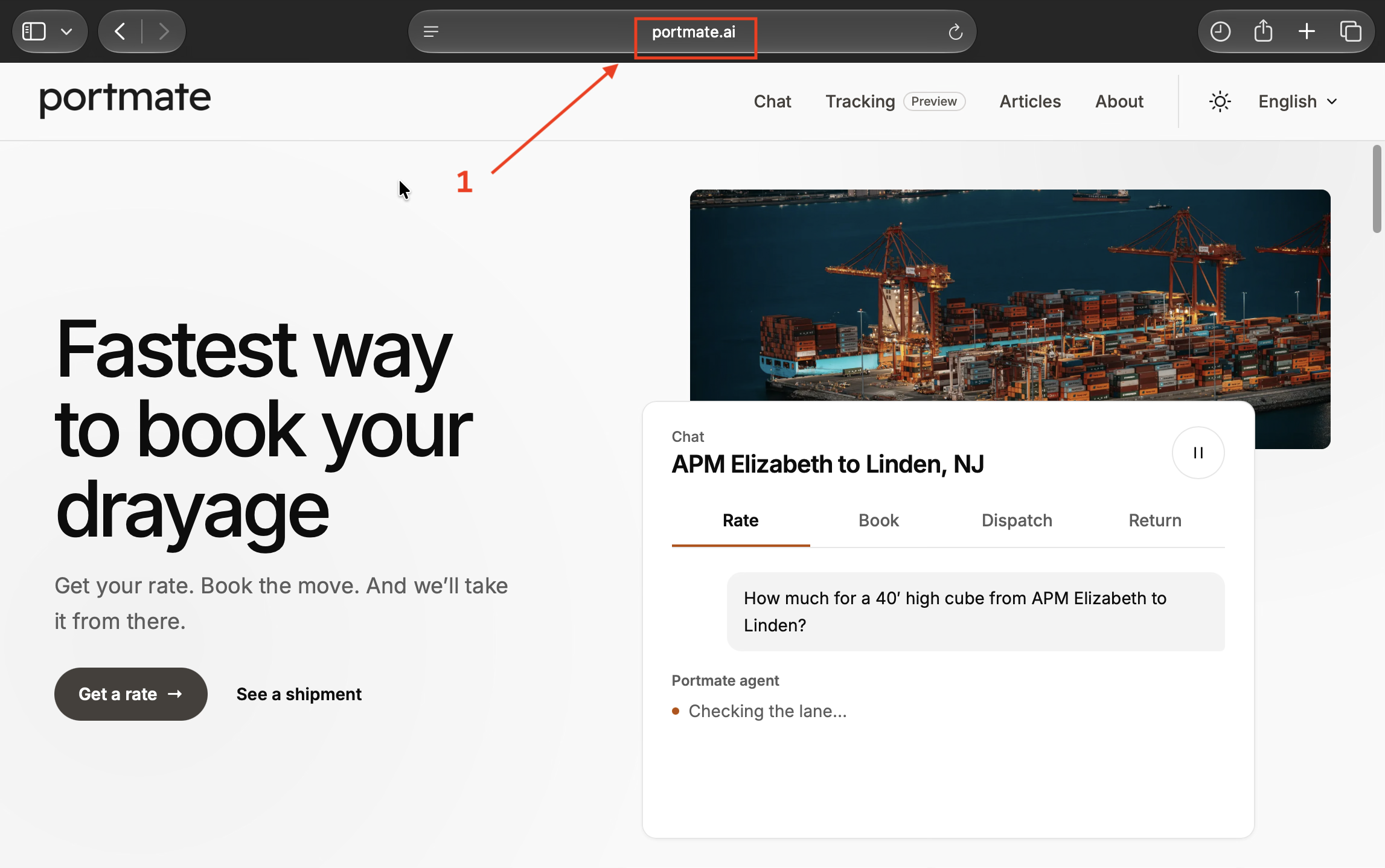
Select Chat in the main navigation. On a narrow screen, open the menu to find Chat. Use the English language setting for the Google Maps place search shown here.
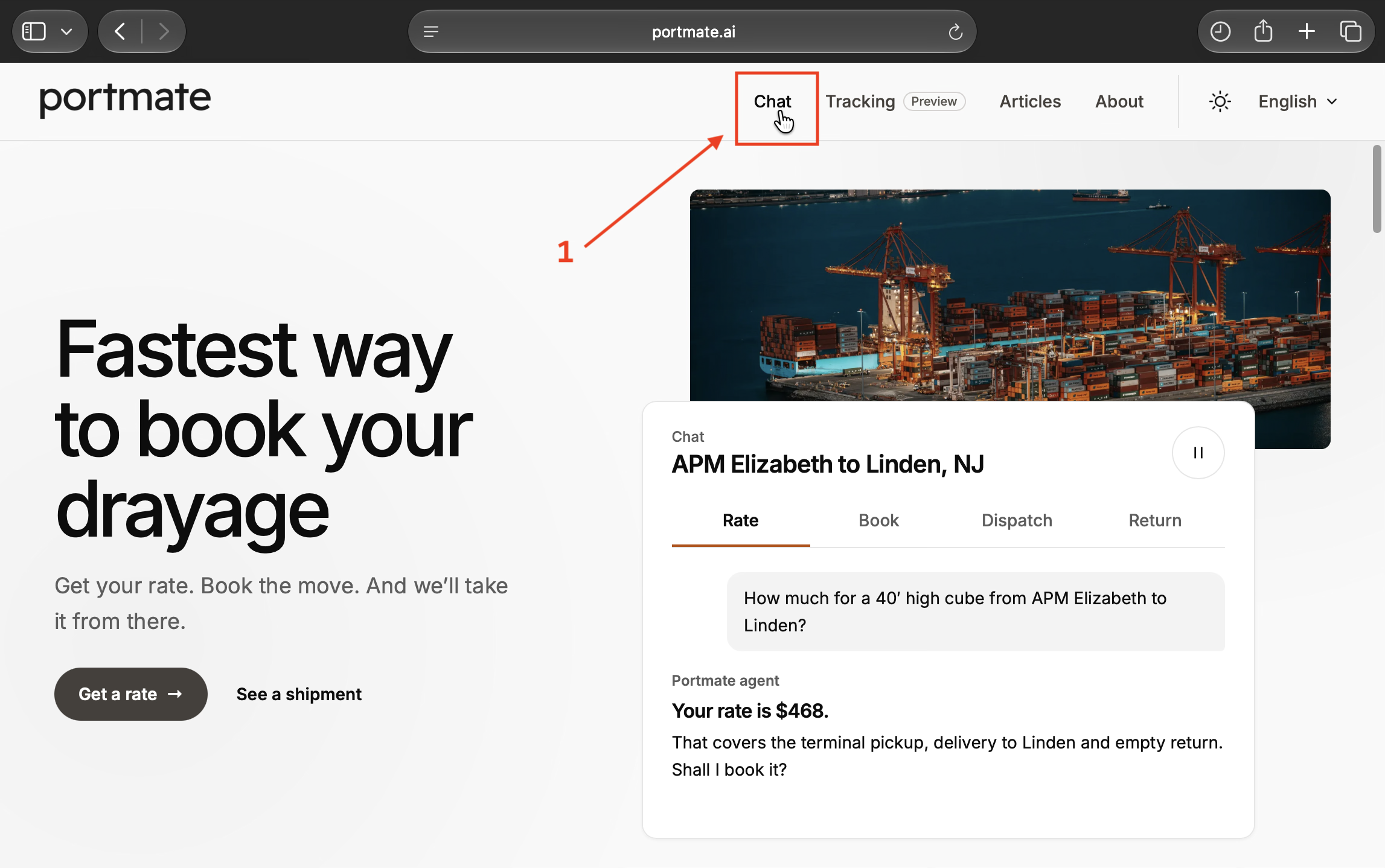
Select Ask anything. Type the Bayport question above, or enter your own. A full street address works well for a warehouse. For a terminal, give its name, city, and state if the name could refer to more than one place.
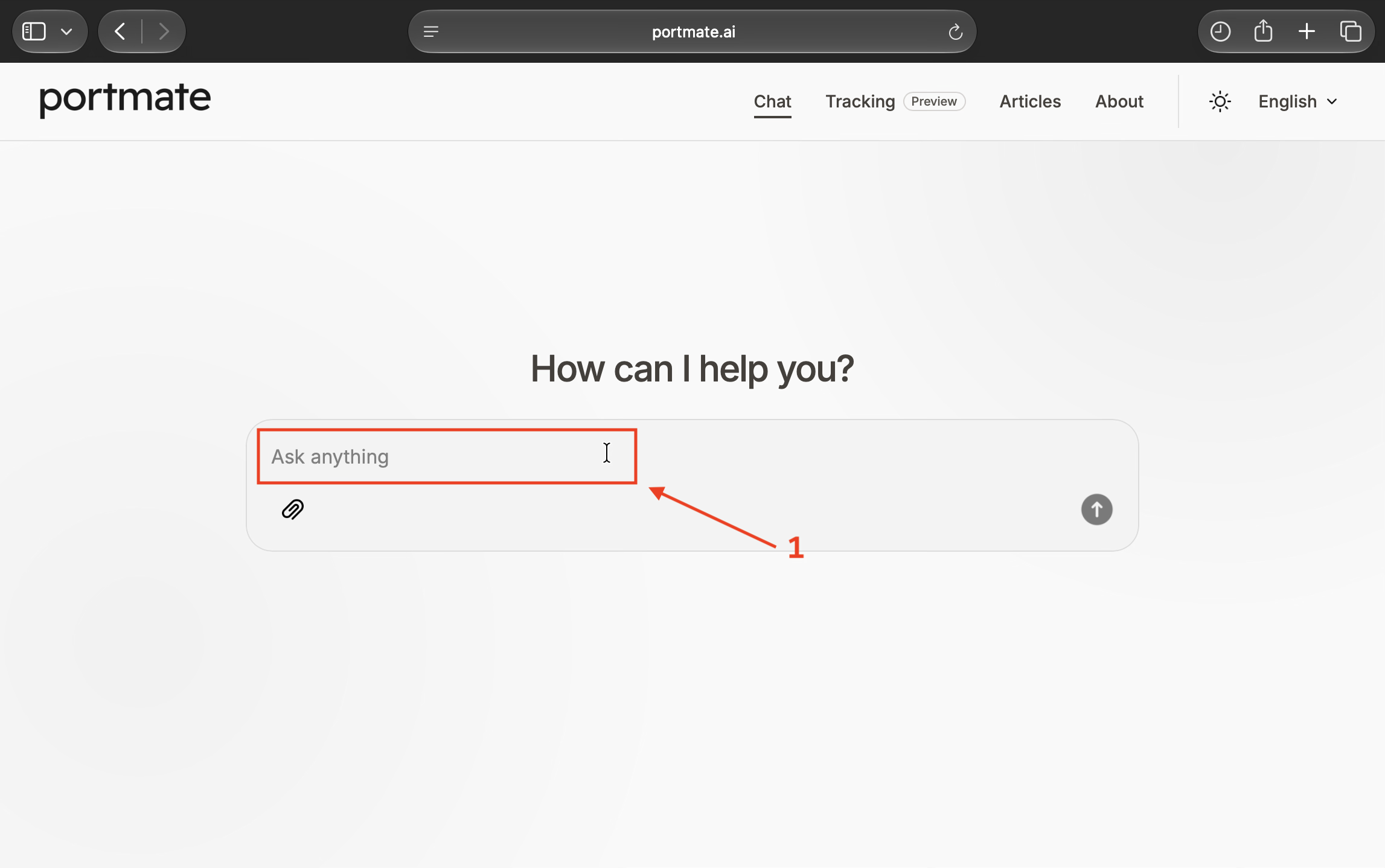
Select the upward-arrow Send button. Your question appears in the conversation.
In the Google Maps reply, check which place Chat used as the starting point. Here it identifies Bayport Container Terminal, then lists dedicated parking lots and a truck stop in La Porte. Select the linked business name to inspect a stop. Selecting Bayport opens the terminal listing instead. The options may differ when you run your search.
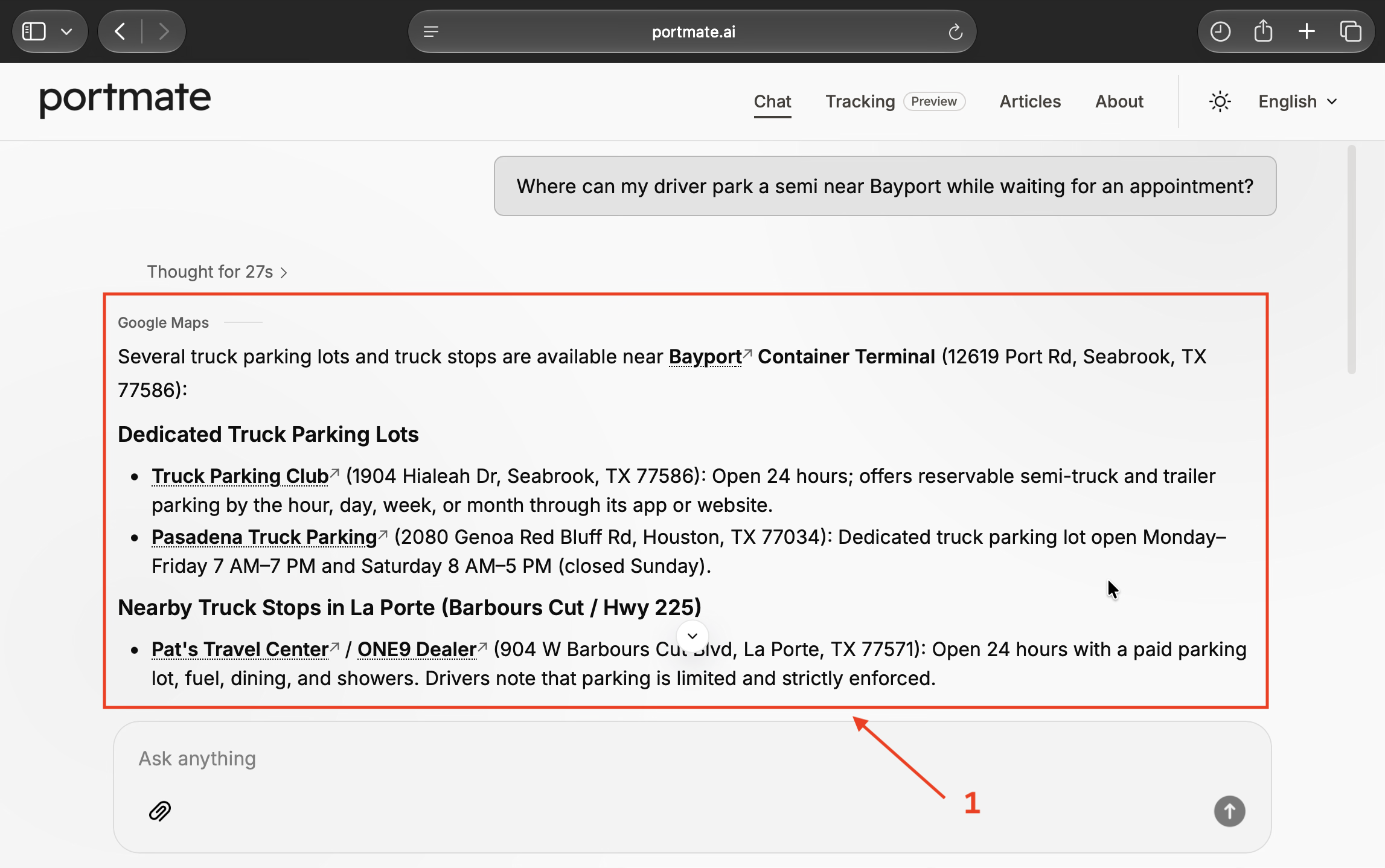
On a phone, open the parking reply at full size to read the names and addresses in the screenshot.
Choose a place your driver can use
Start with Pat’s Travel Center in the example. Its Google Maps listing opens at 904 W Barbours Cut Blvd, La Porte, TX. The reply also calls it a ONE9 Dealer. The matching street address on Pilot’s ONE9 location page shows that both names refer to the same stop. Pilot lists truck parking, diesel, showers, and a CAT Scale there. If the driver needs fuel and a place to weigh the truck, this is one stop worth checking.
For a two-hour wait, narrow the list by asking Which of these lots offers hourly parking for a tractor with a loaded 40-foot container? Give me the operator’s phone number for each likely match. If the reply gives general suggestions without a place link, ask for the business name, street address, and Google Maps link. If Sources appears below the answer, expand it to see the other references.
Call the lot you’re considering and ask, “Can my driver stay with a loaded 40-foot container from 8 to 10 a.m. Tuesday? What would it cost, do we need to reserve, and which driveway should we use?” If the driver plans to leave the trailer, ask about an unattended trailer explicitly. Once confirmed, send the driver the place link, entrance, permitted time, and any reservation instructions.
Two details in the Bayport reply affect where you can send the driver.
- The first parking suggestion needs a call. The reply describes hourly semi parking at 1904 Hialeah Drive. Shore-Guard’s site for that address describes boat, RV, and trailer storage with month-to-month terms. A dispatcher would still need the operator to confirm a short stay with a loaded semi. To compare other lots, the Seabrook-area Truck Parking Club listings distinguish spaces for a tractor alone (bobtail) from spaces for a truck and trailer.
- The terminal address has a different purpose. Port Houston identifies 12619 Port Road, the address in the reply, as Bayport Gate 1 for vendors and visitors. Its container gate information lists 12621 Port Road for Bayport. Use the gate instructions for the driver’s transaction when leaving the parking lot. If the paperwork names Barbours Cut, find that terminal in the Houston facility guide and start the search there.
Search for fuel, scales, repairs, food, or other services
Start with the need, the location, and one constraint. Use the receiver’s street address for a stop near delivery, or name the next highway and direction of travel for a stop along the way. Give the local day and time when “open now” would answer the wrong question.
| What you need | A question to try |
|---|---|
| Fuel on the way out | Where can a semi get diesel and DEF after leaving Barbours Cut toward SH 225 west? Show the street addresses. |
| A public truck scale | Where can I weigh a loaded tractor and container near La Porte, TX, before heading west? I need a scale ticket. |
| Tire service at the truck | Which commercial tire shops offer mobile service near Bayport Container Terminal on Saturday morning? Include phone numbers. |
| Food before a shift | Where can I walk for breakfast from the Plaza Hotel in La Porte, TX, before 6 a.m. on Friday? |
| A place to print paperwork | Where can I print a PDF near 904 W Barbours Cut Blvd in La Porte after 7 p.m. today? I need a staffed print counter. |
Check the service itself. A travel center can be open while its repair shop is closed. Call the shop about the repair and whether it can send someone to the truck. For a weigh ticket, use the CAT Scale Locator to match the suggested site by city and state or ZIP code. For a meal on foot, check where you can leave the truck and whether there is a walkable entrance.
Refine a search that misses the mark
- The reply picked the wrong place. Correct the starting point in the same chat. For example, type
I mean Bayport Container Terminal in Texas. Search near the Port Road approach in Seabrook.If you only have a ZIP code, use it to get an initial list, then narrow it with an address or intersection. - The closest-looking option takes you out of your way. Ask for options on the side of the terminal you’ll leave from, or between the gate and your next stop. Google uses relevance and prominence as well as distance in local Maps results. Check the actual truck approach and detour before choosing. For a time-sensitive appointment, you can also check traffic around the terminal.
- Nothing fits the initial search. Widen the area while keeping the equipment requirement. Try
Include La Porte and Deer Park. I still need a lot that takes a tractor with an attached container for two hours.To browse nearby places directly in Google Maps on a computer, search for your starting address, select Nearby, and enter a category such astruck parking. - The date or service is uncertain. Ask for the operator’s page or phone number and the hours for the specific service. If the uncertainty is about a holiday gate schedule, use the guide to finding up-to-date information in Chat. For an open parking space or a mechanic available now, confirm directly with the lot or shop before dispatch.