

How to search for up-to-date information
Open Chat on portmate.ai, name the facility or operator, and give the date you need. Ask for the official source and the detail that affects your move, such as the last time a truck can enter the gate. Open the source in the reply and check that it covers your facility, date, and transaction before you dispatch.
Portmate Chat can search public sources for changing information such as holiday hours, service advisories, and published tariffs. A terminal's posted schedule can tell you when a gate is due to open. For a specific container's release, appointment, or last free day, use the relevant carrier, terminal, or shipment record. For a move already managed in Portmate, see how to track your shipment in chat.
Search for current information in Chat
This walkthrough starts with a short question about Thanksgiving gate hours in Houston. The example uses the 2026 holiday schedule. Use the date of your own move when you try it.
Open Chat and send a question
Open
portmate.aiin your browser.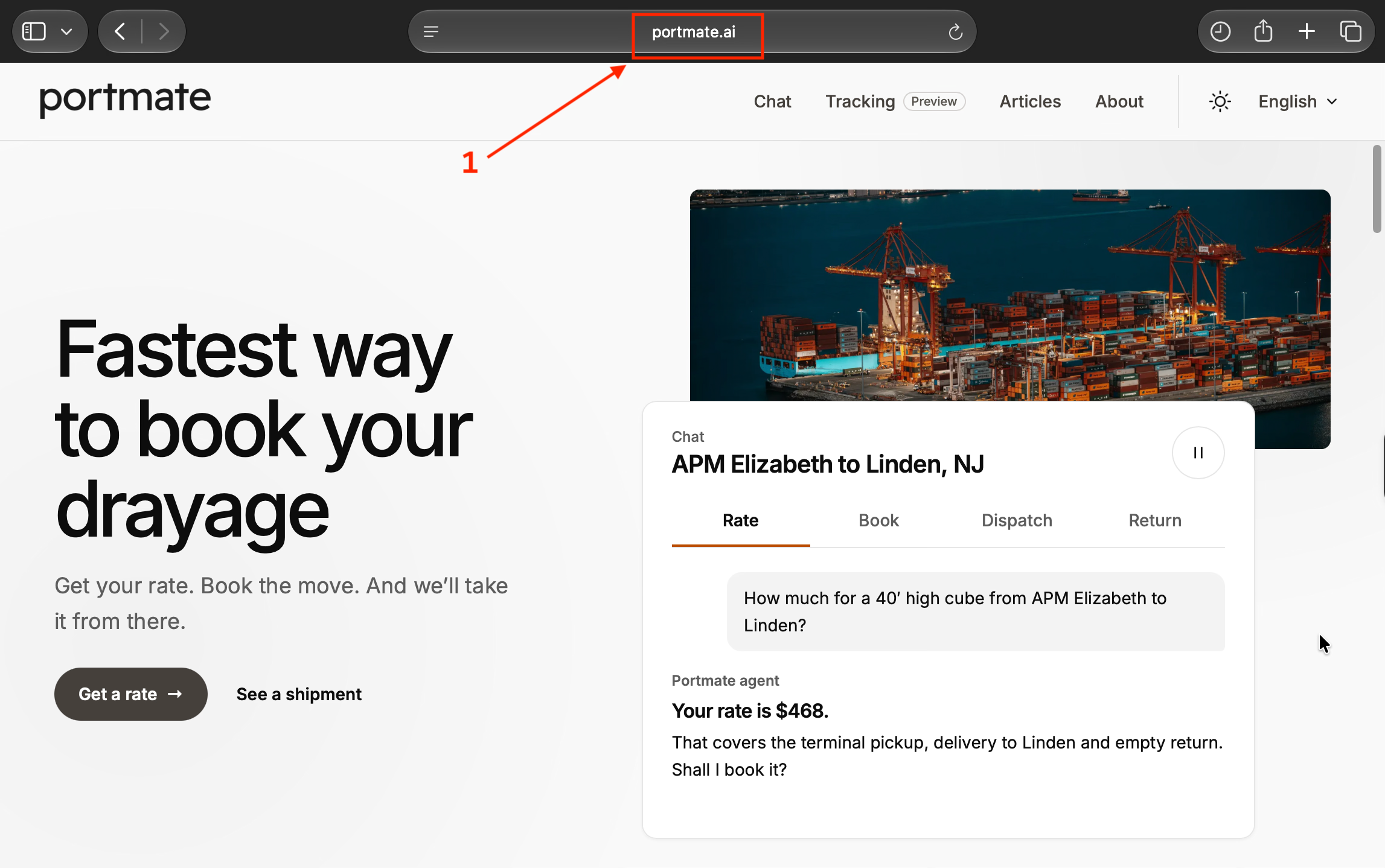
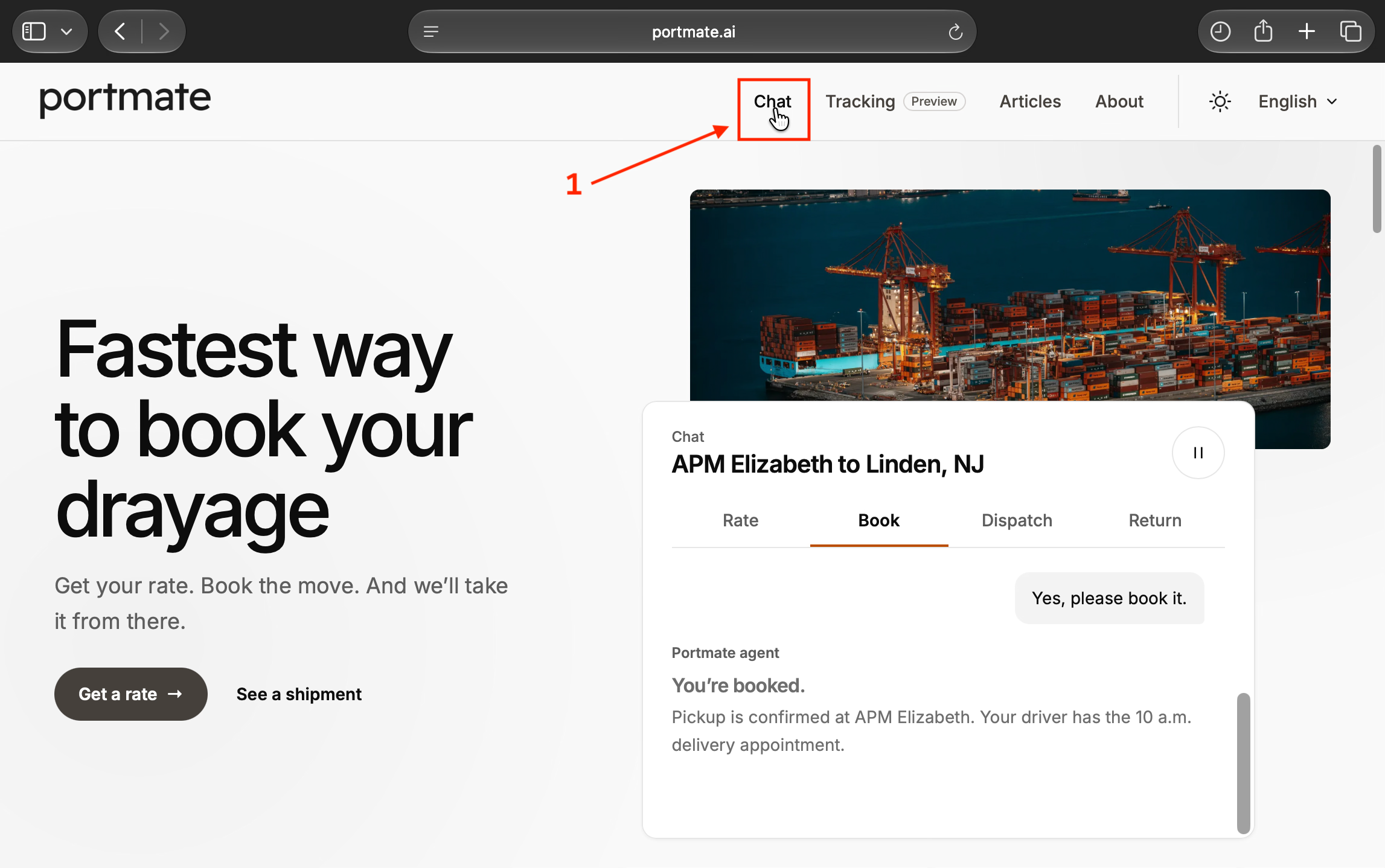
Select Chat in the main navigation. On a narrow screen, open the menu first and select Chat there.
Select the Ask anything message box. Start with
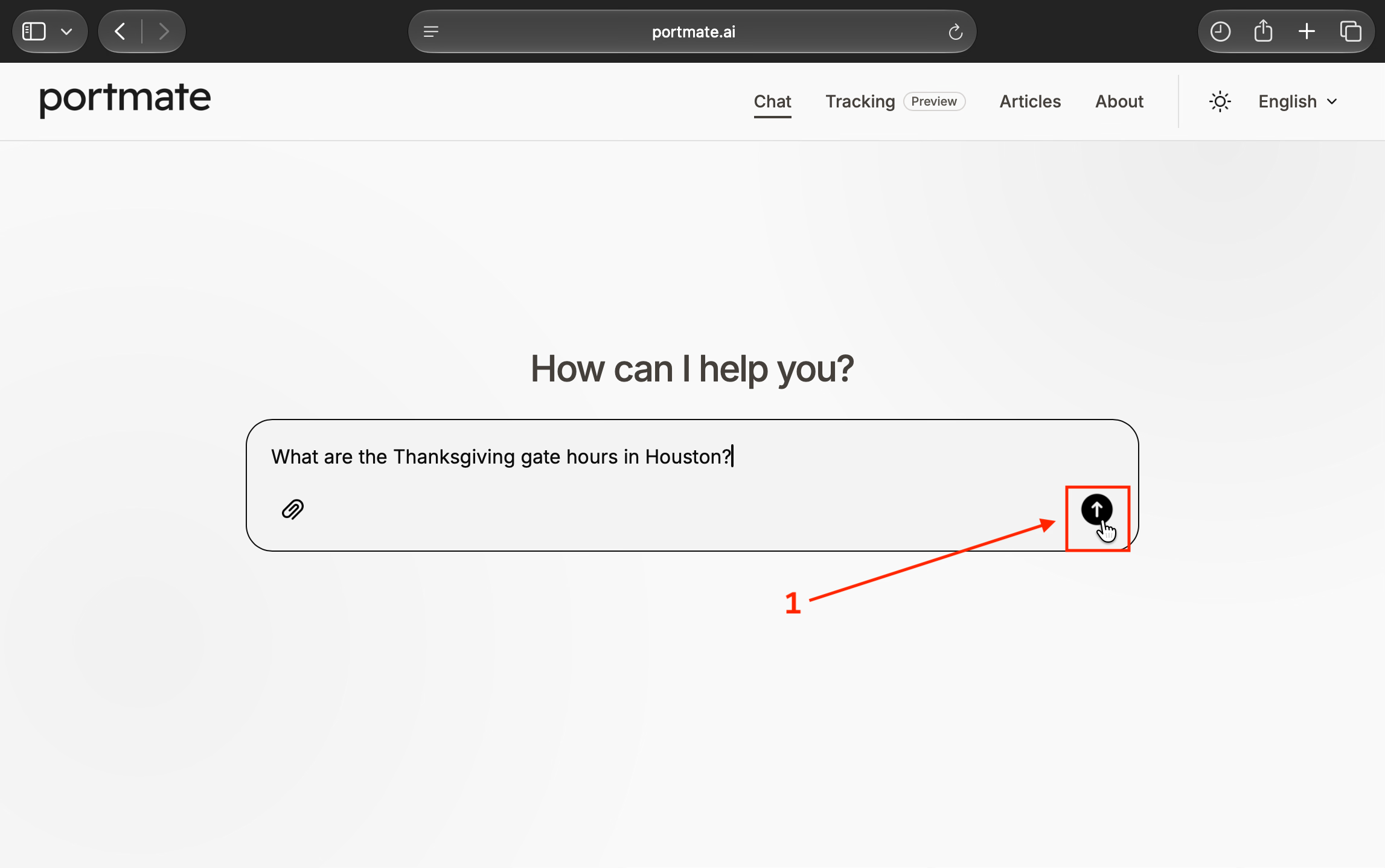
What are the Thanksgiving gate hours in Houston?if you want to follow the screenshots.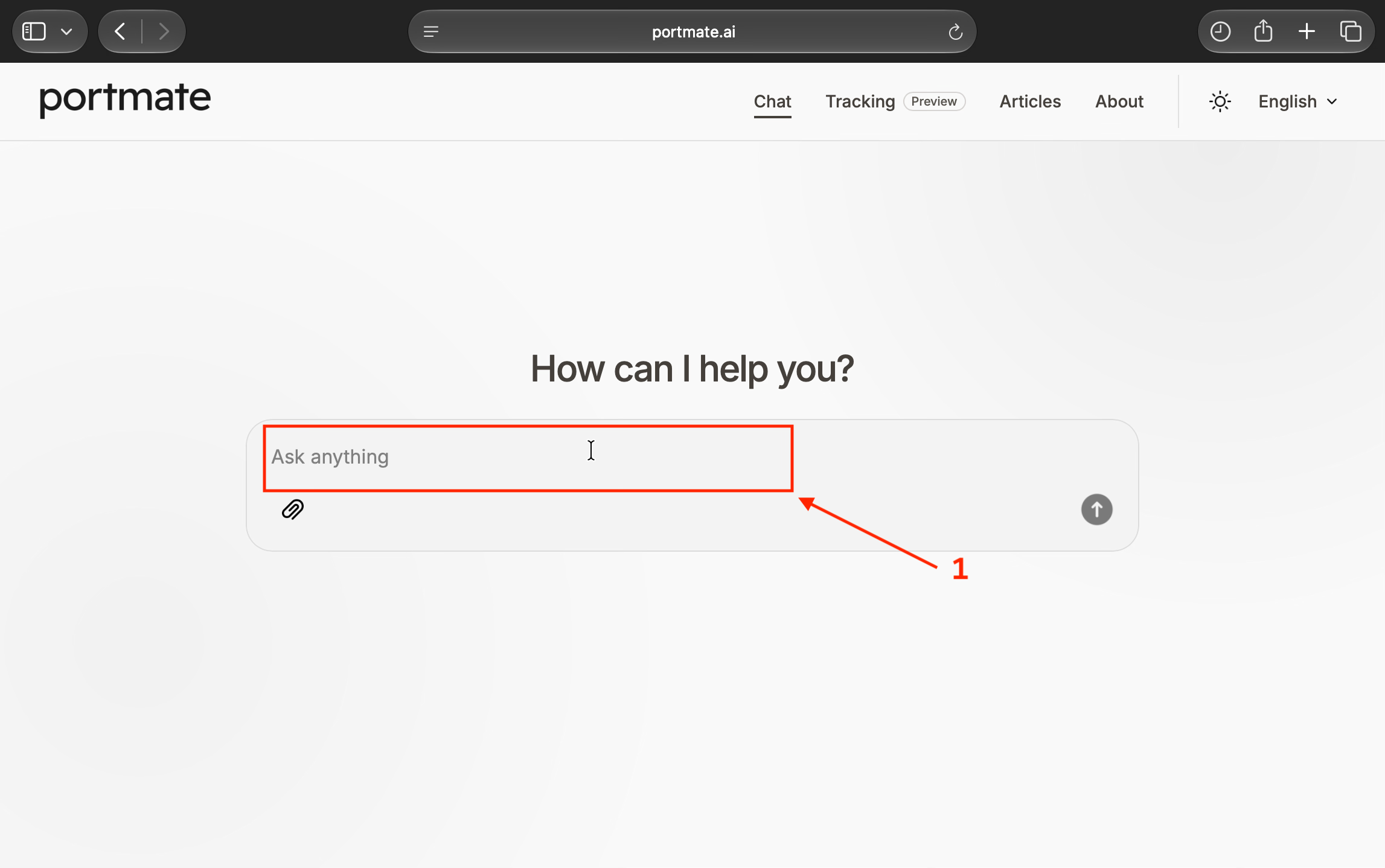
Select the upward-arrow Send button. Your question appears in the conversation while Chat prepares the reply.
Read the answer and open its source
Find the facilities and dates named in the reply, then open the linked source. In this example, Chat links to Port Houston and identifies Bayport and Barbours Cut as the container terminals covered by the schedule.
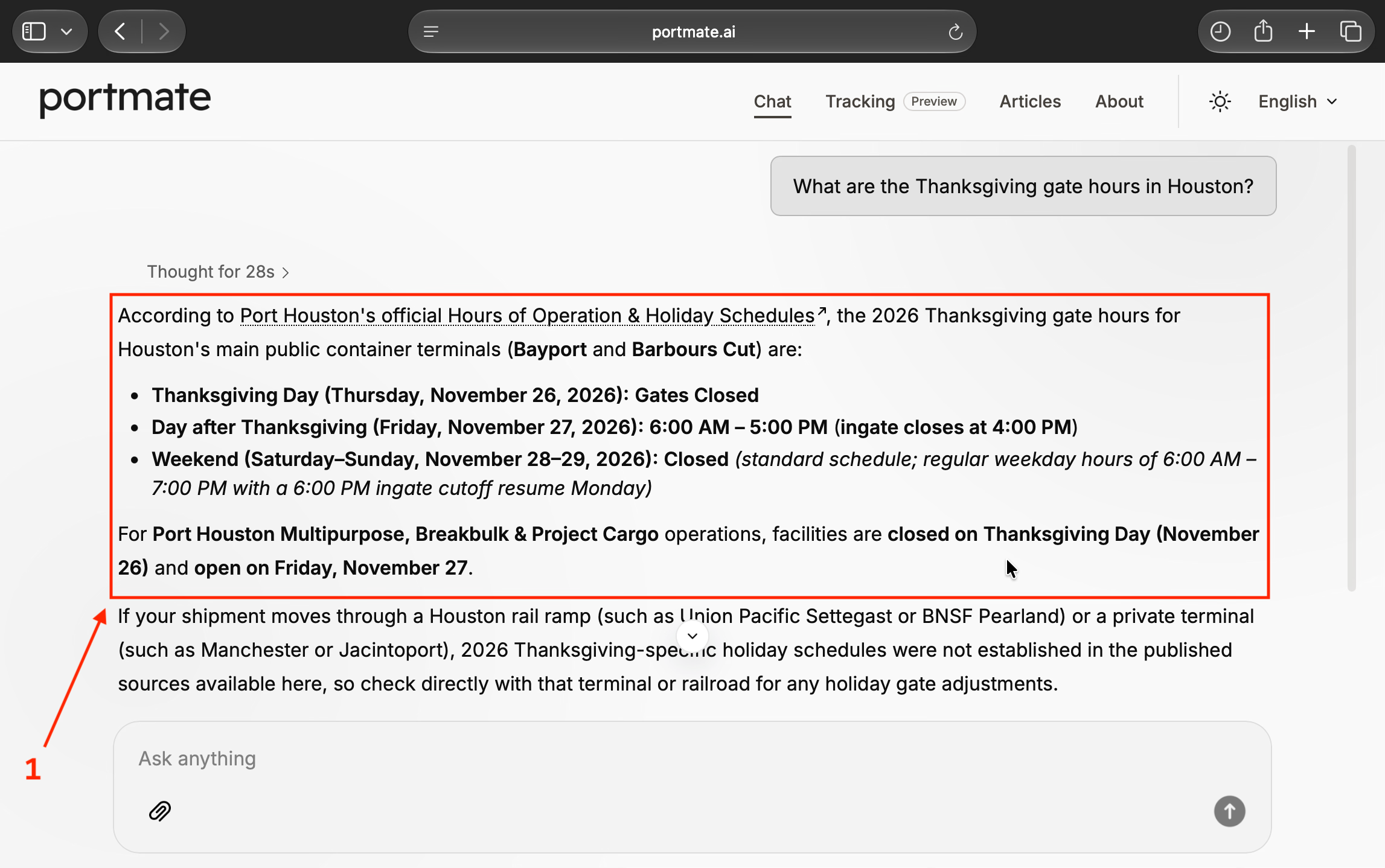
For Bayport and Barbours Cut, the schedule lists closed on Thursday, November 26, 2026. On Friday, November 27, it lists 6 a.m. to 5 p.m., with ingate closing at 4 p.m. Houston time. Use the 4 p.m. cutoff when planning truck entry. The same page has a separate holiday table that lists truck office status for multipurpose and breakbulk operations. Read the table for your facility in Port Houston's hours and holiday schedules.
The captured reply leaves rail-ramp holiday hours unresolved. For a rail move, use the ramp named on your release and open that railroad's plan. The BNSF Thanksgiving intermodal operating plan lists regular hub hours alongside possible train delays. The Union Pacific intermodal Thanksgiving notice directs readers to its separate plan. Check both the ramp's truck window and any change to rail service when planning a pickup.
Ask for the detail that changes your plan
Use the exact terminal or ramp name and an absolute date, including the year. Say what the truck will do, such as pick up a loaded import, deliver an export, or return an empty. Ask for the local time zone and the deadline relevant to that transaction. If your paperwork only says Houston, use the Houston terminal, rail ramp, and equipment depot guide to identify the facility before looking up the schedule.
A more precise version of the walkthrough question is Check the official Port Houston holiday schedule for Bayport and Barbours Cut on November 26 and 27, 2026. What are the gate hours and last ingate time on each date, in Houston local time? Link the official source.
Use one question per decision when the sources differ. Keep public searches focused on public details, such as the operator, facility, date, highway, or charge name. Enter container numbers, booking references, and customer details in the applicable shipment or operator portal when you need a record for a specific move.
Find the source that owns the answer
- A gate change or temporary closure. Ask
Has Port Houston posted a gate closure or change to normal hours at Barbours Cut for [date]? Link the latest operator notice and give the affected hours.Check the time on the notice and look for a later reopening notice. For operating updates, start with Port Houston's container terminal status page. - A rail-ramp schedule. Ask
For Union Pacific's Settegast ramp on [date], what hours apply to international container pickup? Check the holiday plan and the facility's handling hours.Union Pacific lists different kinds of handling windows on its Settegast facility page. Check the relevant dates in its intermodal holiday schedules. - A fee or rule taking effect. Ask
Which Port Houston tariff applies at Bayport on [date], and when does the relevant rule take effect? Link the tariff and identify the rule number.Open the document that covers the date of the move. The Port Houston tariff page groups terminal-specific tariffs by effective date. - A road closure on the way to the gate. Ask
Where can I verify current closures on SH 146 near Barbours Cut for the northbound approach? Link the official map.Open TxDOT's DriveTexas map and check the affected segment and direction. Verify the gate separately. The Portmate guide to live traffic around terminals shows how to check the terminal approach.
Verify the result before dispatch
- Check where and when it applies. Read the operator name, facility, transaction, and date in the source itself. Treat a notice's issue time, the period it covers, and the time you checked it as separate details. A tariff published this month may take effect next month. A holiday calendar posted last year may govern this year's move.
- Find the time the driver must meet. Record the last ingate, appointment window, or transaction cutoff in local time. If a regular-hours page and a dated advisory differ, check which one explicitly covers the planned date, gate, and move type. Contact the operator if the applicable instructions are still unclear.
- Confirm the container or booking separately. Before an import pickup, check availability, release, and any holds. For an export, confirm the receiving window and cutoff. For an empty return, confirm the carrier's assigned return location and any appointment. Port Houston describes the container availability and booking information you can look up in its Lynx customer portal.
- Share the actionable detail and its source. Give dispatch the facility, transaction, date, local cutoff, and the link you used. If a storm or disruption is still unfolding, recheck the operator notice and shipment record before the driver leaves. If a cutoff or release is unresolved, say which item still needs confirmation.
Find the answer when Chat comes up short
- The reply covers the wrong facility or year. Ask again with the full facility name, operator, and exact date. Name the transaction if the answer only gives general gate hours.
- The reply gives hours without a usable source. Ask
Which official notice confirms those hours for this terminal and date? If the notice doesn't give a last ingate time, say so.If the link opens a homepage, look for the operator's holiday schedule, service advisories, or gate information. Port Houston collects these resources in its Terminal Toolbox. - Web results keep surfacing older schedules. Search Google for
site:porthouston.com Bayport Thanksgiving gate hours 2026. To look for a notice updated during a specific period, trysite:porthouston.com Bayport gate advisory after:2026-11-01 before:2026-11-28. Widen the date range or remove it if a calendar may have been published well ahead of the holiday. Check the dates inside the document. Google explains these operators in its guide to refining search results. - You still cannot verify an operational detail. Contact the terminal, railroad, or ocean carrier that controls the move. Ask about the exact gate and transaction, and record the local time of the confirmation for dispatch.