

How to track accessorial charges
To track accessorial charges, open Tracking, find your shipment, and select Accessorials. Review each charge's quantity, rate, amount, reason, and notes, then open its available Proof files. Compare those details with the terms agreed for the move and the shipment's actual events.
Additional services can be necessary: a container may need an early pickup, overnight storage, specialized equipment, or extra driver time. Keeping the explanation and supporting records beside the charge helps shippers, forwarders, and operations teams understand the cost and answer billing questions without reconstructing the move from scattered emails.
This walkthrough uses the example container MAEU1234567 near Seattle. Its amounts and documents demonstrate the feature; use your own shipment's records and applicable terms when checking a bill.
Open the shipment's accessorials
Have your Portmate quote number, booking number, or container number ready. The same lookup field accepts all three reference types.
Find your shipment
Step 1 — Open Portmate. Visit .
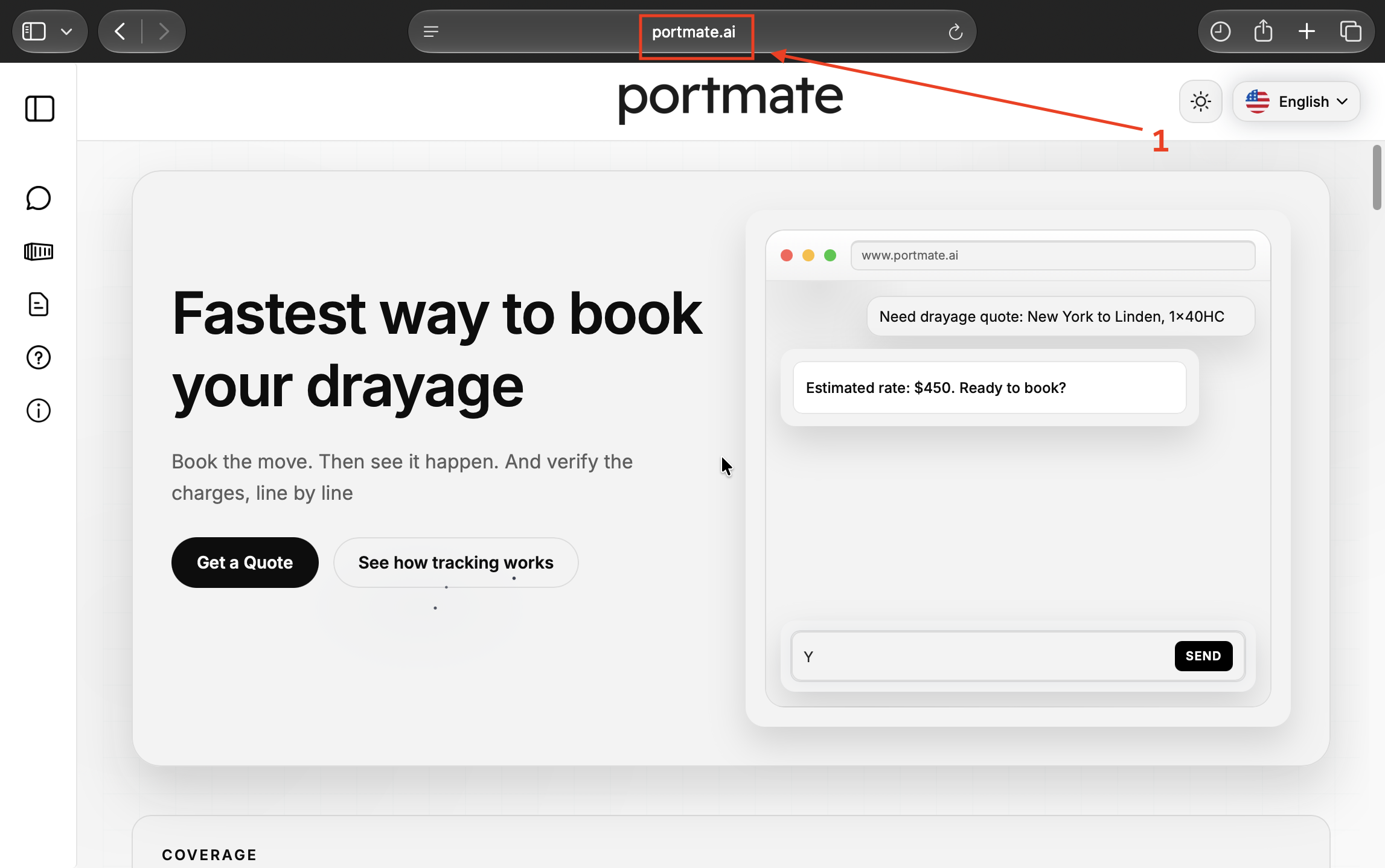
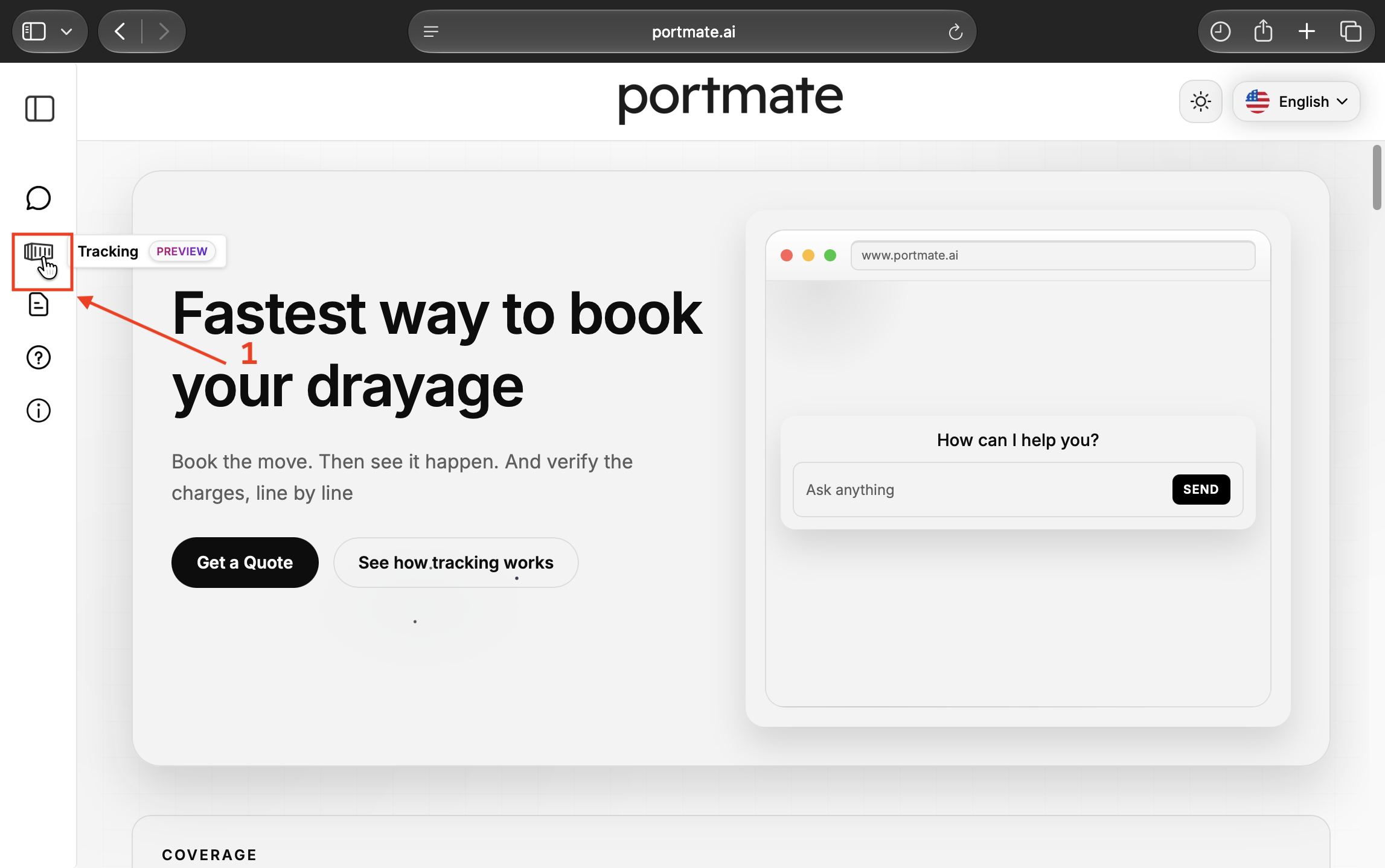
Step 2 — Select Tracking. Select the container-shaped Tracking icon in the left navigation. It is labeled Preview in the example.
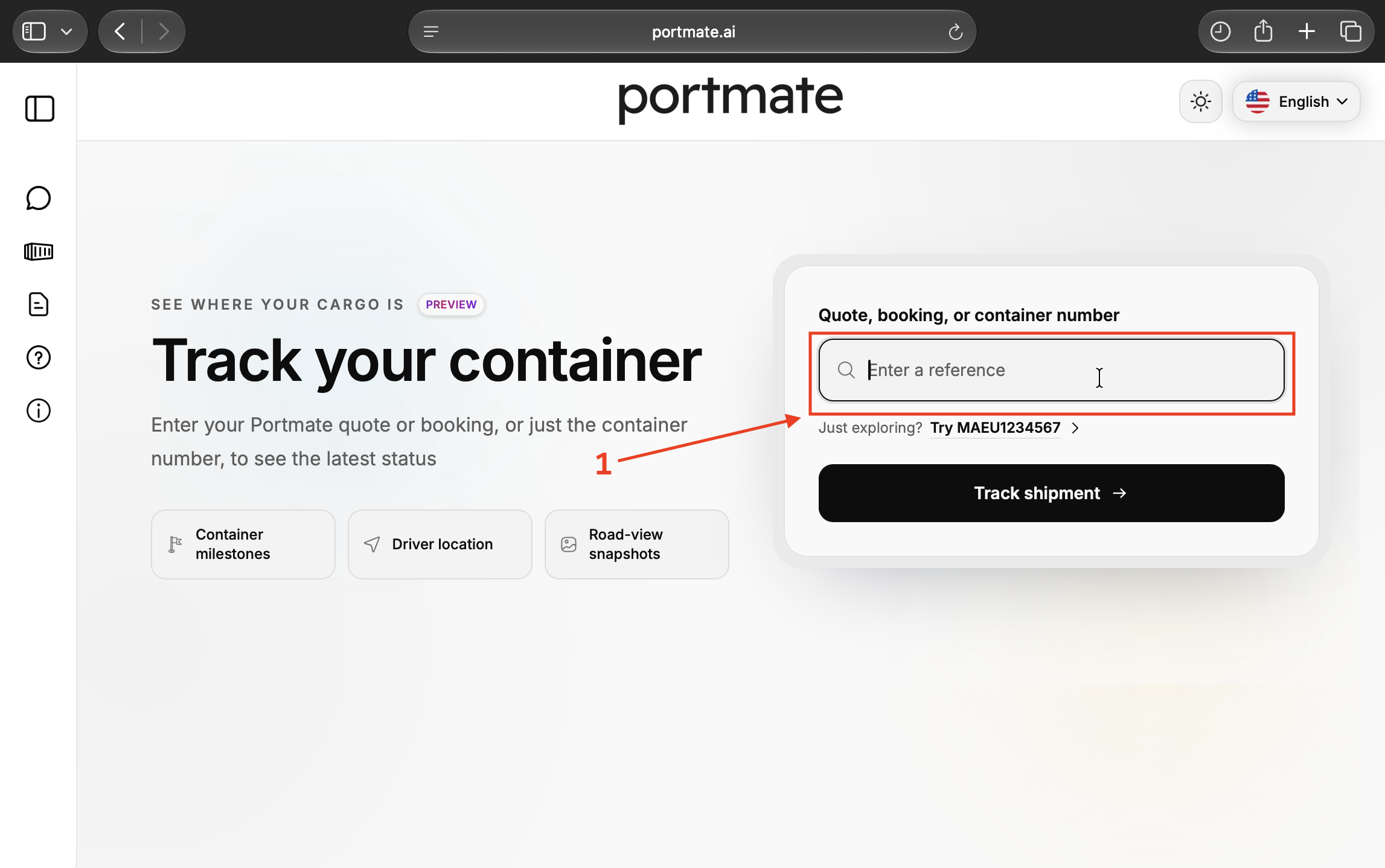
Step 3 — Enter a shipment reference. Select Quote, booking, or container number and enter your reference. To follow the example, enter MAEU1234567.
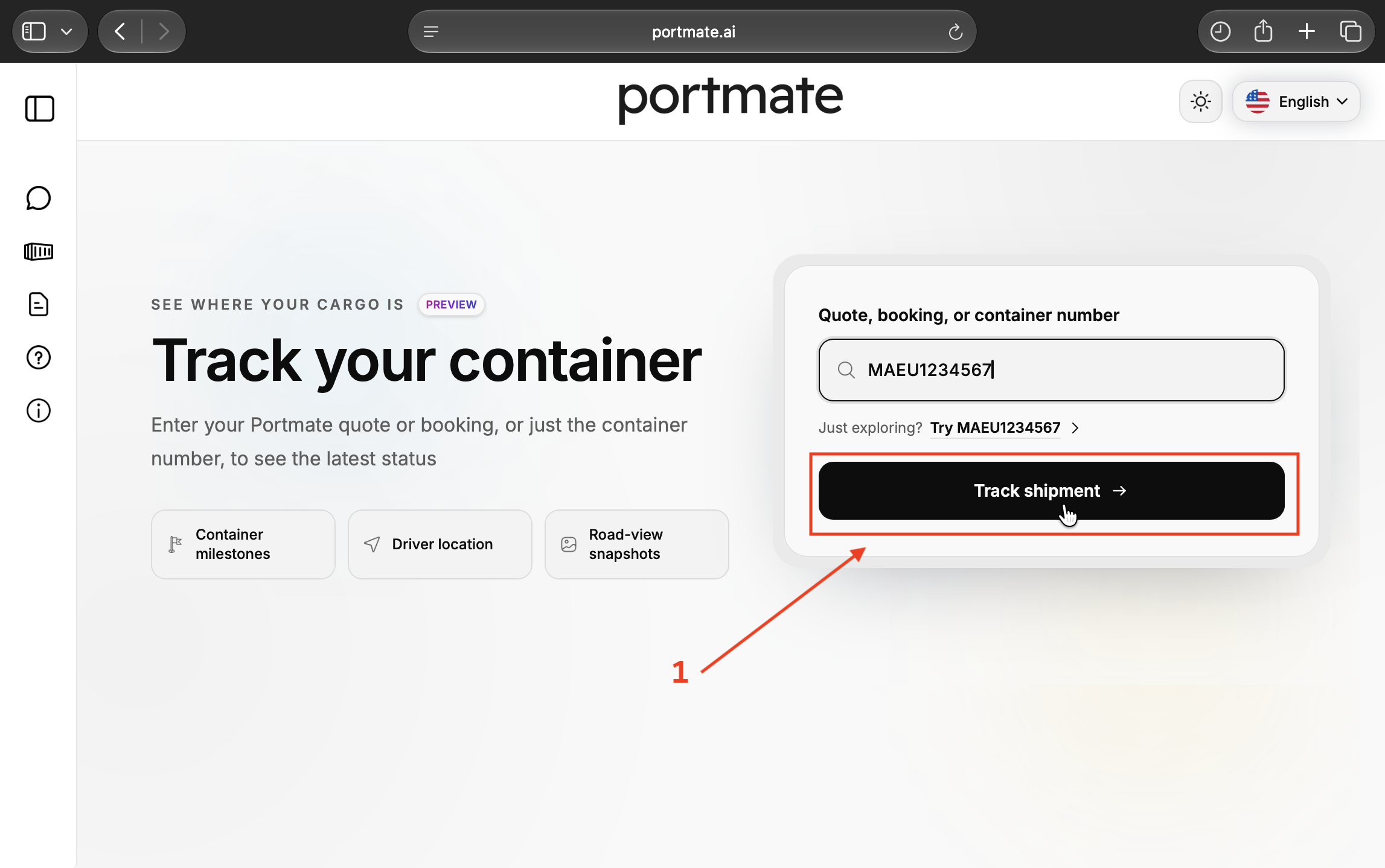
Step 4 — Select Track shipment. Check the reference and select Track shipment to load the associated shipment record.
If no shipment appears, check the reference for typing errors or try another reference for the same move. For help reading the map and vehicle timestamps, see .
Open the charge record
After the result loads, scroll below the map to the panels above Milestones.
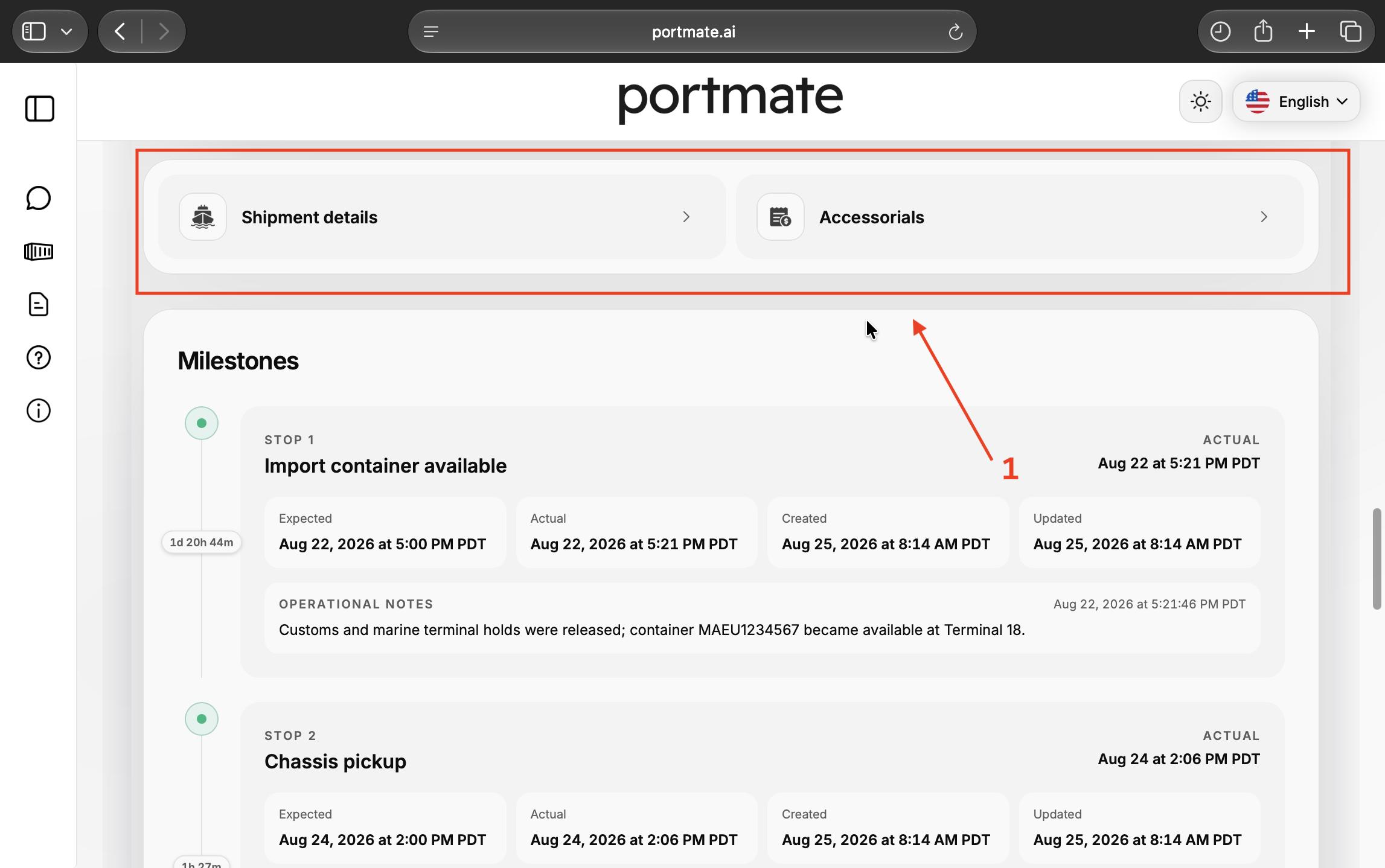
Step 5 — Locate the shipment panels. You will see Shipment details and Accessorials. The milestones beneath them provide timing and operational context for the move.
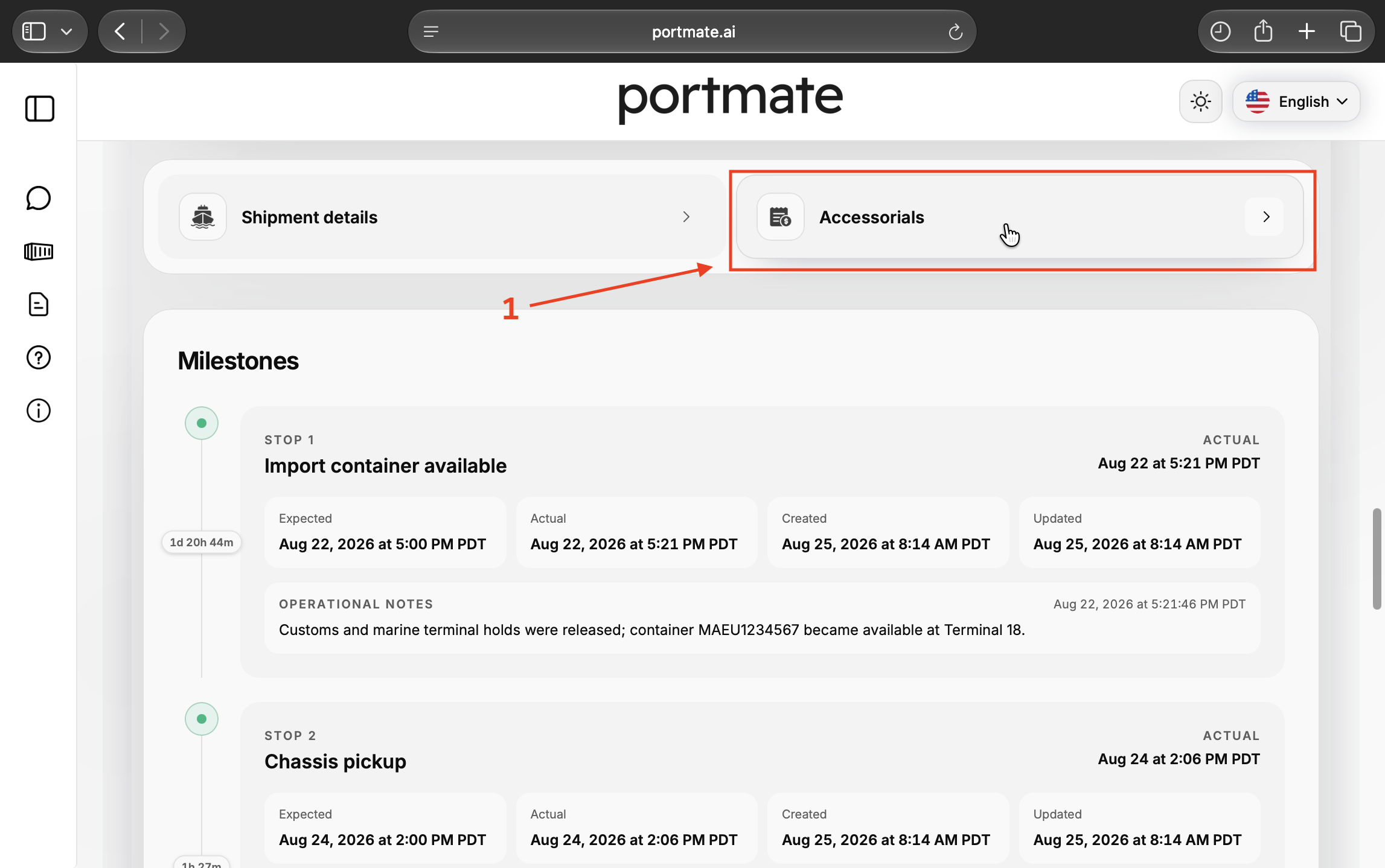
Step 6 — Select Accessorials. Open the Accessorials panel to review the shipment's chassis and accessorial charge lines.
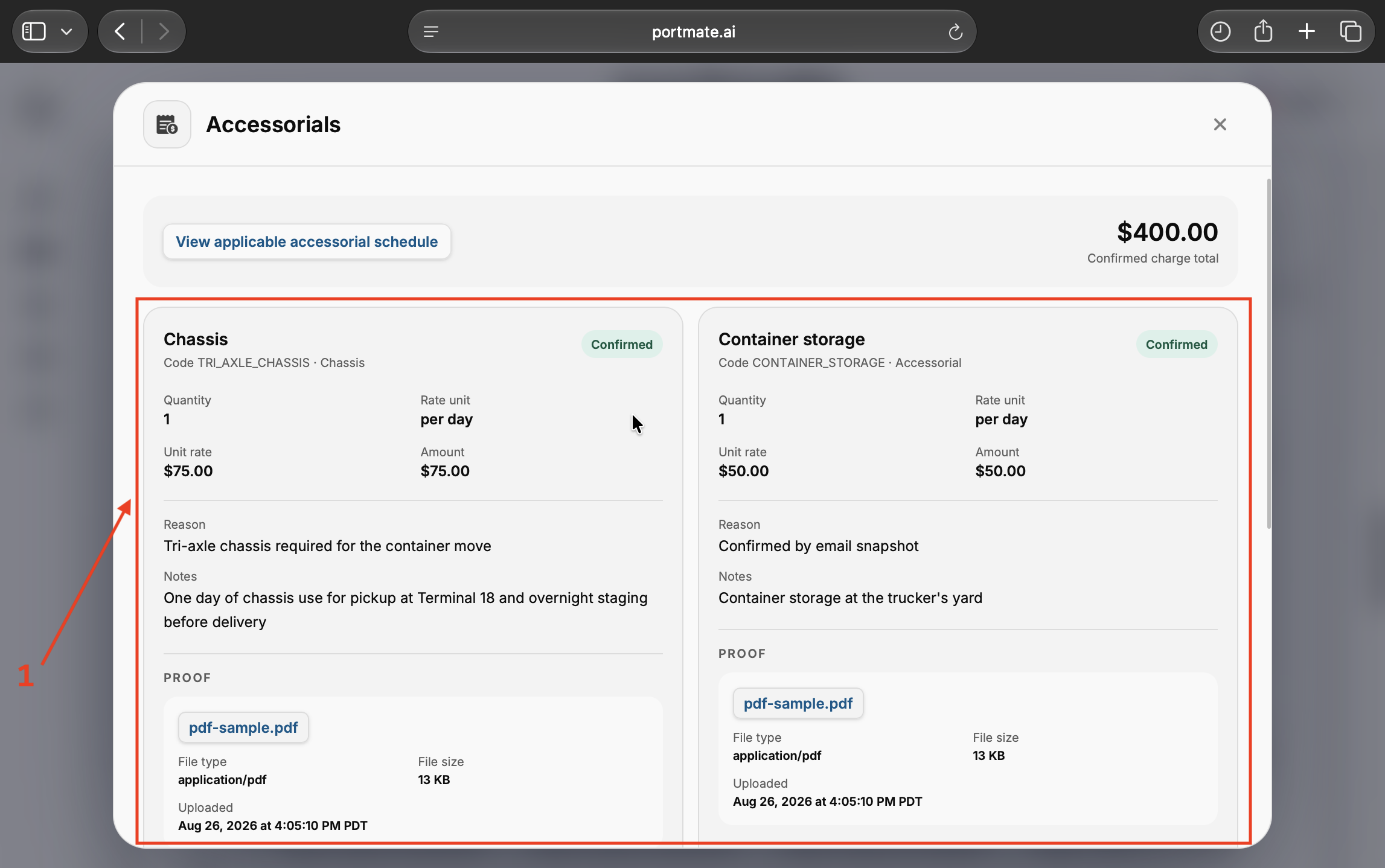
Step 7 — Review the charges and proof files. The dialog shows View applicable accessorial schedule, a Confirmed charge total, and individual charge cards. Scroll inside the dialog to see the remaining cards and attachments. Select an available proof filename to open the linked document in a new tab.
Read the rate, reason, and amount together
A useful charge review answers three questions: What service or event created the charge? Which terms apply? Does the calculation match the work or time being billed?
Use the fields on each card to connect those answers:
| Field | What to check |
|---|---|
| Charge name and code | Identify the service or equipment being billed. Use the code when asking about a specific line. |
| Quantity | Confirm the number of billable days, hours, containers, or other units. |
| Rate unit and unit rate | Read the billing basis alongside the price, such as a daily rate versus a one-time charge. |
| Amount | Check the result against the quantity and rate, allowing for the applicable minimums or billing rules. |
| Reason | Look for the shipment-specific explanation of why the charge applies. |
| Notes | Review the operating context, conditions, or included services. |
| Proof | Open the supporting records and check what they establish. |
In the screenshot, Chassis shows a quantity of 1, a rate of $75 per day, and an amount of $75. Its reason says that a tri-axle chassis was required, and the notes describe pickup and overnight staging. Container storage shows 1 day at $50, for an amount of $50, with notes identifying storage at the trucker's yard.
Those two visible cards add to $125. The example's $400 Confirmed charge total also includes other cards farther down the dialog. Review the complete list before reconciling the total. This panel covers chassis and accessorial charges; compare it with the quote and invoice when checking the complete shipment price.
Compare the charge with the applicable terms
Select View applicable accessorial schedule to open the schedule associated with the shipment's terminal metro. Check its effective date, billing units, included time, and conditions alongside the quote or booking terms for the move. If a schedule has changed since booking, ask which version governs the charge.
A rate sheet lists possible charges. It does not establish that every listed service occurred on your shipment. The explains how to research rates before booking and distinguish reference rates from a quote's included charges.
Understand Confirmed and At cost
Review the status and evidence separately. A Confirmed card can still display No proof files; the label alone does not establish that a supporting document is attached or that the customer approved the charge.
If a line shows At cost and its amount is unavailable, request the underlying expense and final amount. An unknown amount is not a zero-dollar charge. The displayed total of known amounts should not be treated as a final total while relevant costs remain unresolved.
Check whether the proof supports the charge
Start with the event being billed, then choose records that can establish that event and its calculation. A document can confirm a movement without establishing the agreed rate; a rate confirmation can establish pricing without showing that the extra service happened. Read them together.
For each attachment, check the shipment or container reference, relevant equipment number, service location, event dates and timezone, and the connection to the charge. Keep any required service authorization or written agreement with the operating records.
Match the records to the service
Different charges call for different evidence. The following records are useful starting points; the applicable agreement and provider's instructions determine what is required.
| Charge | Records to compare |
|---|---|
| Driver waiting | Appointment confirmation and facility records, signed receipts, or other documentation showing arrival and departure. |
| Chassis use | Equipment interchange or gate records, chassis identity, pickup and return dates, and rental terms. |
| Yard storage | Yard arrival and departure records, the storage location, and the applicable free period and daily terms. |
| Pre-pull, extra trip, or failed attempt | Operating instructions, dispatch and movement records, relevant communications, and the reason for the additional work. |
| Pass-through expense | The third party's invoice or receipt and the agreed basis for passing the expense through. |
For example, asks for documentation showing arrival and departure times when submitting driver detention requests, including bills of lading and signed delivery receipts. Check the instructions for your own move rather than assuming one provider's procedure applies everywhere.
An equipment interchange receipt, often shortened to EIR, can help establish when equipment changed hands. Match the equipment identity as well as the dates: a container number and a chassis number refer to different pieces of equipment. The explains the equipment types you may see on a charge line.
Read the file, not just its attachment details
The Proof section shows a filename, file type, size, and upload time. Those details help identify the attachment; the file's contents must support the service, timing, or expense under review.
The screenshots use attachments named pdf-sample.pdf to demonstrate the display. On your shipment, open the actual document and check its references and contents. A reason such as “Confirmed by email snapshot” should lead you to the relevant communication and what it confirms.
The Uploaded timestamp records when the file was added. It does not establish when a container entered a yard, when a driver arrived, or when a service was authorized. Use the event times inside the records for those questions.
Check timing, included services, and overlapping charges
Many billing questions come from counting the wrong interval or overlooking something already included in the price. Establish which clock and terms apply before multiplying a rate by a quantity.
Identify which time-based charge you are reviewing
Driver waiting concerns the driver's time at a terminal or facility. Yard storage concerns the container occupying a trucker's yard. Ocean detention or per diem generally concerns extended use of the ocean carrier's equipment outside the terminal, while demurrage generally concerns a container remaining at a marine terminal beyond free time. The explains the ocean transportation distinction.
For unfamiliar labels, consult the . Naming the charge precisely helps identify the right records and billing terms.
For driver waiting, confirm when the billable clock begins, the included free time, any appointment conditions, and the billing increments. As an illustrative calculation, suppose the agreed terms provide two free hours, an $80 hourly rate, and no rounding or minimum adjustment. An eligible interval from 9:00 a.m. to 12:30 p.m. contains 3.5 hours, leaving 1.5 billable hours and a charge of $120. These assumptions are an example, not a Portmate rate or universal waiting-time policy.
For daily charges, check whether the terms use calendar days, rolling 24-hour periods, working days, or a minimum number of days. gives an example in which a chassis collected Monday afternoon and returned Tuesday morning incurs two calendar days of use, despite being out for less than 24 hours. Apply the terms governing your shipment.
Use actual events and check what is included
The milestones distinguish Expected, Actual, Created, and Updated times. Expected times describe the plan. Actual times record reported events. Created and Updated describe when the milestone record was entered or changed. Use actual events and the supporting source records when checking a billed interval; a planned return time does not establish a completed return.
Before accepting an additional day or service, check the included allowance. Some providers bundle storage into a pre-pull service. For example, includes a storage allowance with pre-pull. That illustrates why the applicable service description matters; it does not establish Portmate's terms.
Chassis time and yard storage can cover the same dates while paying for different resources. Review what each line covers before treating the overlap as a duplicate. Also check for repeated invoices for the same service, a third-party expense already paid directly, or a charge already included in the quote.
When comparing an early pickup with leaving a container at the terminal, consider the full effect: pre-pull, yard storage, chassis time, and any relevant container charges. Record the selected arrangement and its cost basis when the plan changes.
Resolve missing evidence or an unexplained charge
If a card shows No proof files, or an attachment says File is not publicly available, request the relevant supporting record through the options in . Include the shipment reference and exact charge name or code so the team can identify the line.
Ask a specific question: which dates were billed, how many days were included, which rate applies, or which document supports the service. Missing evidence is a reason to seek clarification; it does not by itself establish whether a charge is payable.
A request based on the example could read:
Please review the $50 CONTAINER_STORAGE charge for container MAEU1234567. Please confirm the storage dates and location, any included storage allowance, the applicable daily rate, and the supporting yard record or communication. If the quantity or amount needs correction, please provide the revised breakdown.
Keep the response, any revised calculation, and any credit or adjustment with the original record. Check that the invoice reflects the agreed resolution.
When the question concerns ocean demurrage or detention
Ocean demurrage and detention invoices have specific U.S. billing requirements. addresses invoices from ocean common carriers, marine terminal operators, and NVOCCs for the covered container or terminal-space charges. Its scope should not be applied automatically to ordinary driver waiting, chassis rental, or trucker's yard storage.
For a covered invoice, review the required container references, free-time dates, charged dates, applicable rates, and dispute instructions. The rule generally requires issuance within 30 calendar days of the last incurred charge, with a separate timing provision for NVOCC invoices, and at least 30 calendar days from invoice issuance to request mitigation, refund, or waiver. Follow the applicable procedure and check its deadlines promptly.
Preserve evidence while the issue is happening. The identifies invoices, bills of lading, payment evidence, relevant emails, and screenshots of denied appointments or gate closures as useful supporting material. Carrier-specific instructions can be more detailed: describes appointment evidence requirements and explains that screenshots may not be conclusive when terminal records show available capacity.
Keep the record organized throughout the move
The best time to establish the billing basis is before dispatch, and the best time to preserve an operational record is when the event occurs.
- Before booking: Confirm the included services, equipment, free time, rate units, and any requirements for authorizing extra work. Save the applicable quote and terms.
- When the plan changes: Record what changed, why, the expected cost effect, and the relevant notification or authorization. Keep the shipment reference in the communication.
- During the move: Preserve gate and yard records, facility times, equipment references, receipts, and supporting messages while they are available.
- During charge review: Compare each amount with its terms and evidence. Keep unresolved quantities, unavailable amounts, and missing records visible in your review.
- At invoice reconciliation: Check the complete breakdown, included allowances, direct payments, and agreed adjustments. Retain the records needed to explain each additional charge to the next person reviewing the shipment.